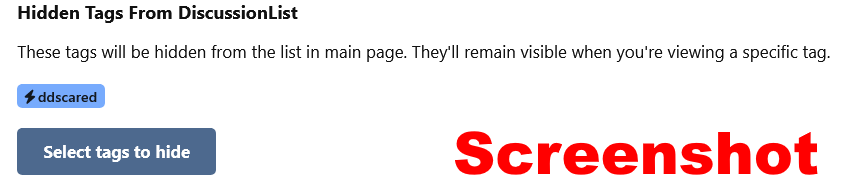
To hide a tag go to your name, choose profile, then settings and then scroll down to the option to select tags to hide.
SCREENSHOT:
Here is how to get there, first go to your name and then select Profile. These are screenshots for desktop so it will be slightly different on mobile.
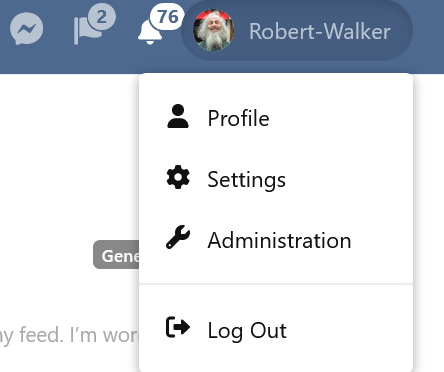
Then go to Settings.
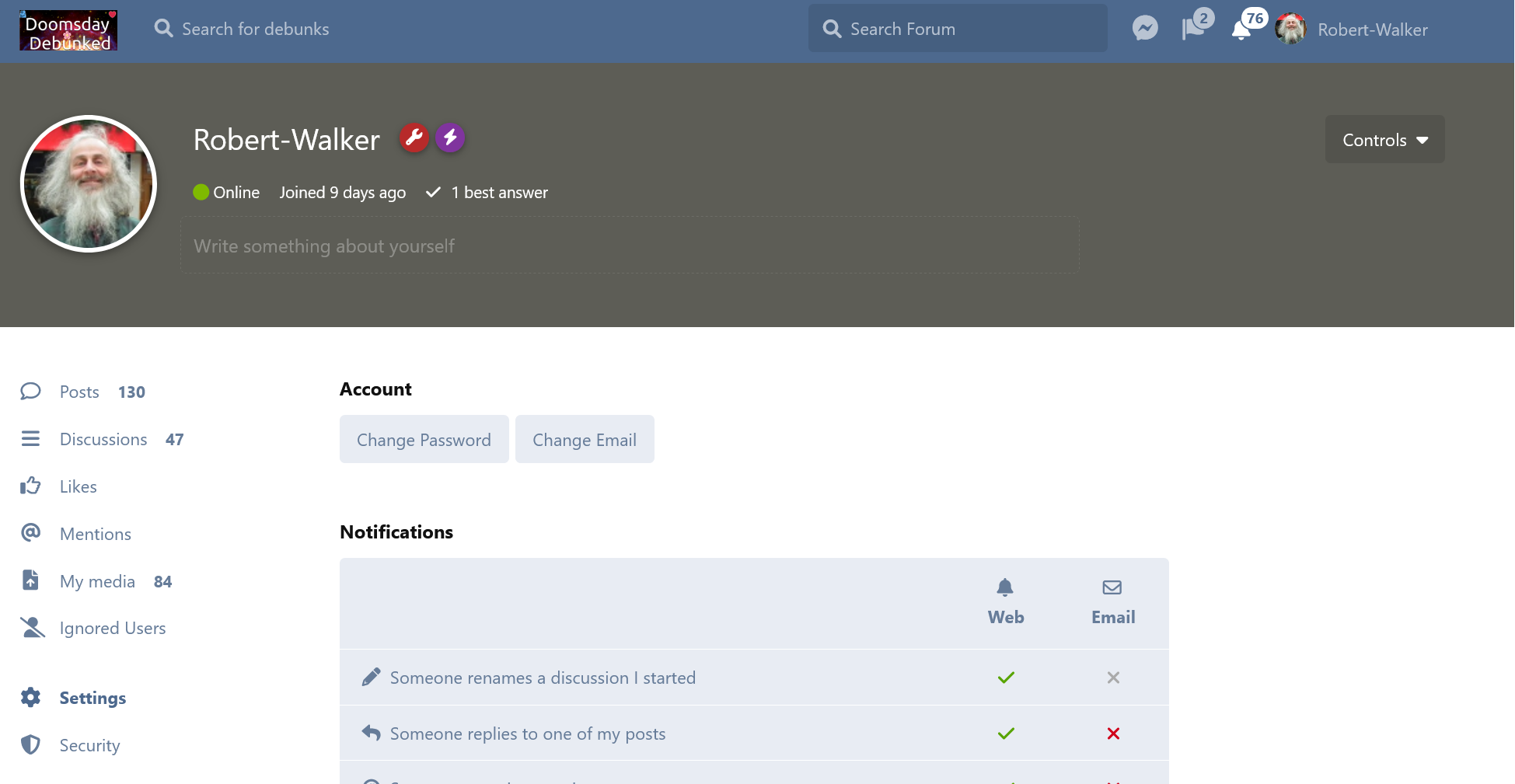
Then scroll down the page and you see the option to choose which tags to hide.
You can also hide the General tag which will hide almost everything except terms and privacy agreement and some other posts without tags as well as for some reason some early posts tagged with General. I’ll probably just untag those and then tag again if relevant which should fix that
This does NOT block the posts entirely.
For instance if you search for ddscared then you’ll see the posts tagged ddscared even if you have hidden that tag. But you’ll not see them unless specifically searching for them.
There are other options here too for instance you can choose whether or not to show excerpts below each post title on the desktop (by default on) or mobile (by default off).